Paradox Alarm
Your existing panel — no replacements, no new wiring
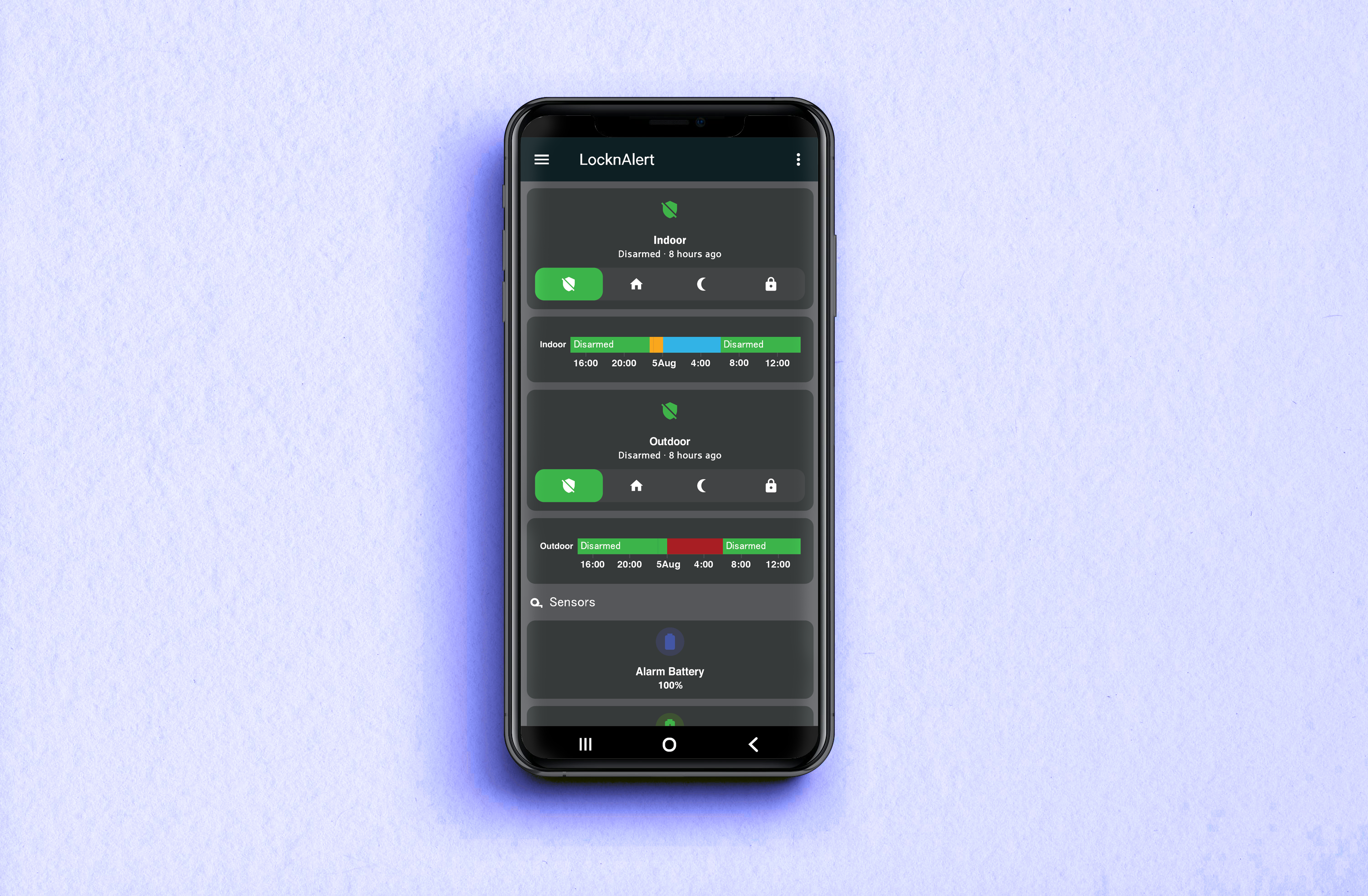
Connect your Paradox alarm to Home Assistant — then let it auto-arm when you leave. All local. No cloud. No monthly fees.
LocknAlert is not affiliated with or endorsed by Paradox.

Our Story
In December 2024, Raine got frustrated. His home had a perfectly good Paradox alarm — but connecting it to Home Assistant meant a monthly cloud subscription and trusting someone else's server with his zone trips, arm states, and movement history. So he did what engineers do: he dug into the serial protocol, figured out how to talk directly to the panel, and started building. Several months of tinkering and obsessive testing later, LocknAlert was born.
"Your alarm data shouldn't live on someone else's server. Full stop."
Read the full storyHow it connects
Your existing panel — no replacements, no new wiring
Local MQTT translator — no cloud, no subscription, runs inside your home

Your alarm becomes sensors, automations & AI-powered control
This isn't just alarm control — it's a security ecosystem that reacts to context, knows who's home, and acts before you even think to ask.
Home Assistant detects when your phone has left the home network. If the alarm isn't armed, it notifies you immediately — arm remotely in one tap, before you've hit the end of the street.
Frigate reads your license plate as you approach. Home Assistant recognises it and triggers the gate relay automatically — no remote, no intercom, no stopping. It's just open.
AI cameras detect people at your perimeter earlier and more reliably than outdoor beams — with a timestamped video clip, not just a vague motion trigger. Know what's happening, not just that something is.

The LocknAlert Bridge exposes your entire Paradox panel to Home Assistant — every PIR, door contact, window sensor, arm state, and trouble flag becomes a live entity you can use in automations, dashboards, and notifications.
Frigate runs entirely on your LocknAlert Home Hub Secure+ — real-time object detection, license plate recognition, and person detection. Your footage never leaves your property.
Teach Frigate your household vehicles. When a known plate approaches, Home Assistant can automatically open the gate, disarm a partition, or send you a welcome-home notification — before you've even stopped moving.
Place cameras at your boundary. Person detection alerts you before anyone reaches your front door — with a timestamped clip, not just a motion event. Clearer and faster than traditional outdoor beams, with visual confirmation.
The Home Hub Secure+ includes dedicated Google Coral AI hardware. Detection runs locally at full speed — all cameras, every frame, zero cloud processing, zero latency, zero monthly cost. Everything stays in your home.
One purchase. No ongoing costs. Fully yours, running in your home.
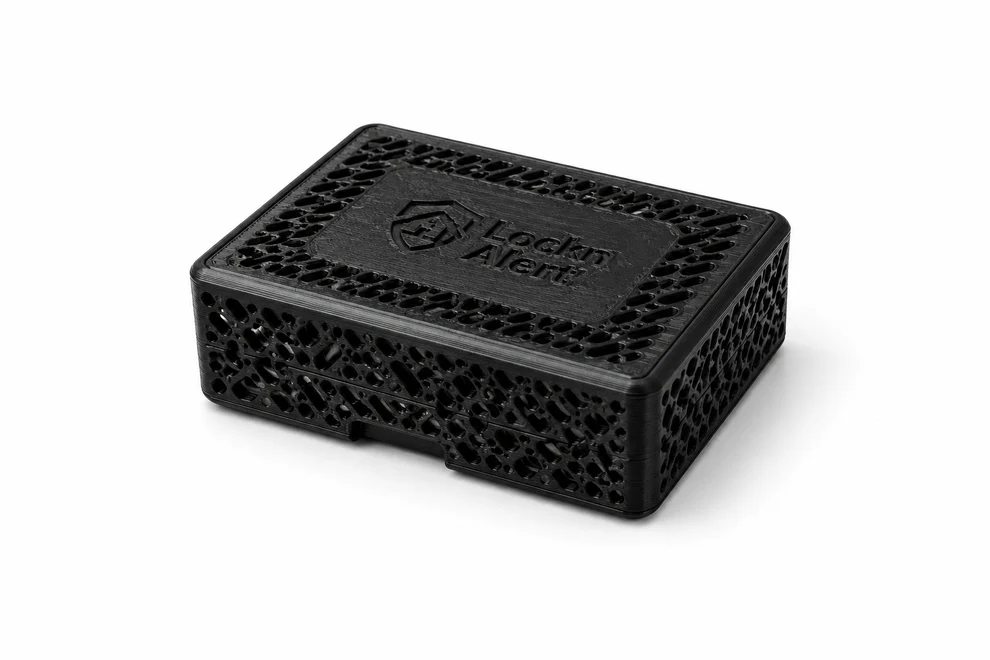
Connects your Paradox alarm to Home Assistant — and runs Home Assistant right on the device, the same engine as our Home Hub. No separate hub required.
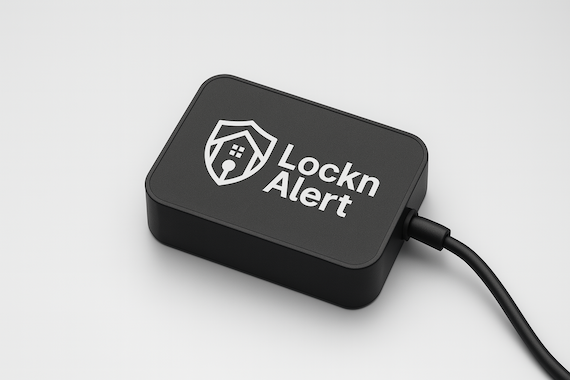
Already run Home Assistant elsewhere? This is the lean translator — plug it in and control your alarm from your phone, entirely on your local network.
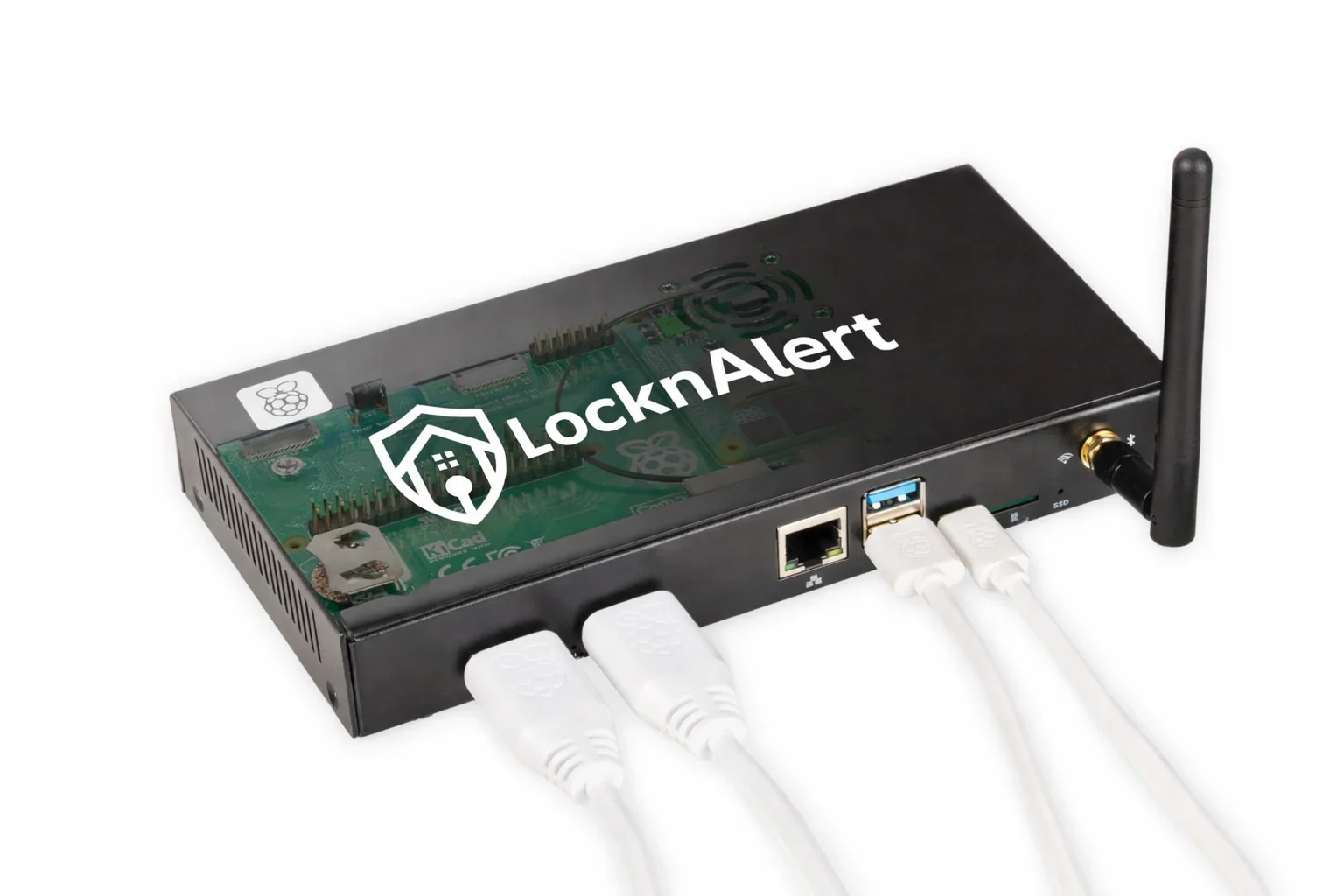
A dedicated local controller for your entire home — alarm, lights, gates, sensors, and automations. No cloud dependence.
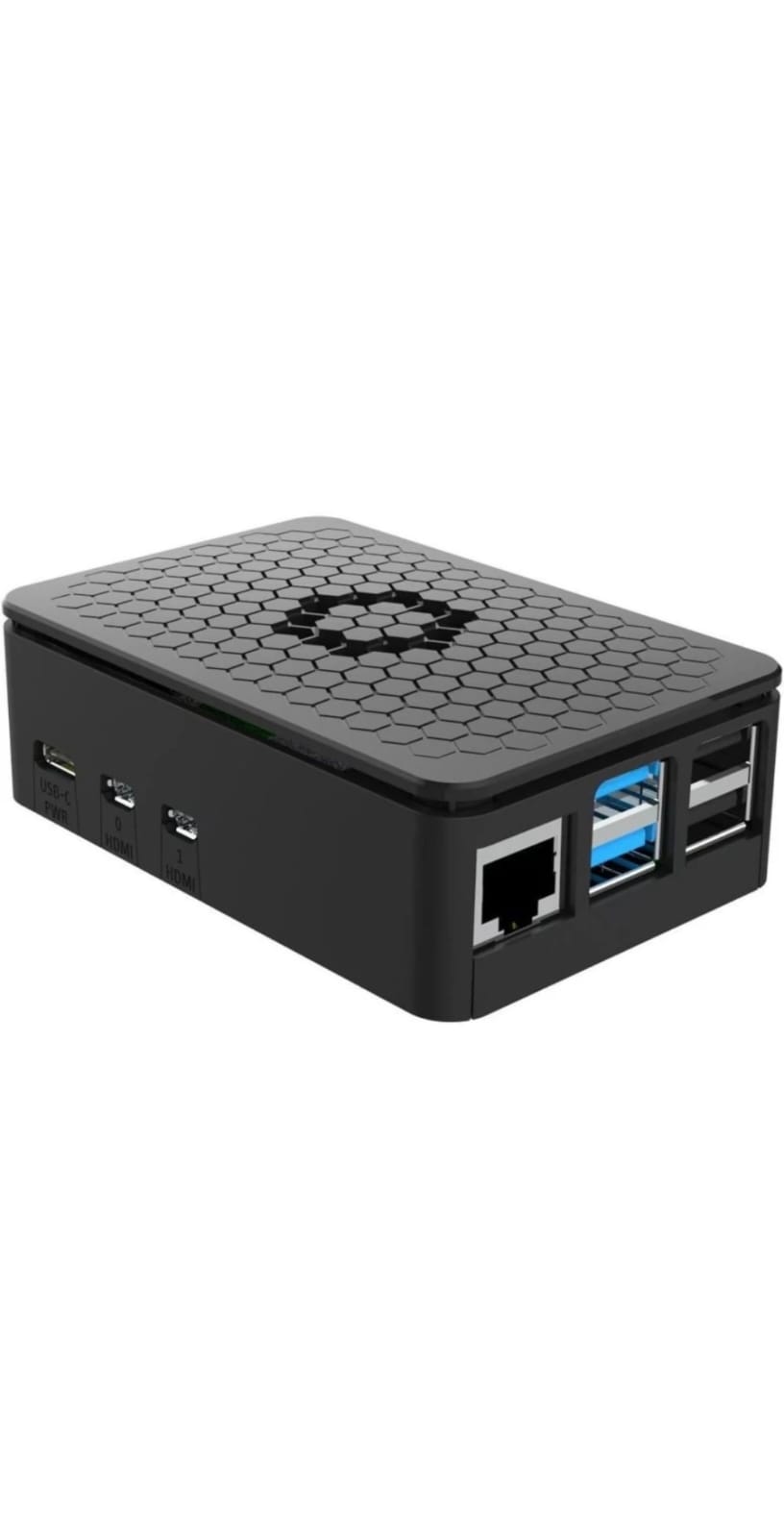
Bring your cameras and smart devices into the Apple Home app. Supplied, configured, and commissioned — no cloud, no fees.
Turns the cameras you already have from passive recorders into an active security system. On-device AI spots people and vehicles in real time and triggers your alarm, gate, and lights automatically — never in a cloud.
Compatibility note: Some Paradox firmware versions won't run alongside an IP150/180 module or other third-party alarm interfaces. If you already have one installed, check compatibility before purchasing. Check full compatibility →
Products are half the story — we also design, install, and commission complete smart homes: IoT, security, and networking under one roof.
Apple HomeKit via our Homebridge controller, or full Home Assistant on a LocknAlert Home Hub. Lights, gates, sensors, and automations — one app, fully local, no subscriptions.
Paradox alarm integration with the LocknAlert Bridge, plus Hikvision CCTV installed and integrated — with local AI person and vehicle detection on the Home Hub Secure+. No cloud video, ever.
The network underneath it all: full-coverage Wi-Fi, wired backbone, and remote-manageable hardware — designed, supplied, and commissioned for cameras, streaming, and smart devices.
South African homeowners who replaced a monthly debit order with a once-off purchase — and never looked back.
"My LocknAlert works excellently and does exactly what I need. I even customised the Home Assistant UI to make it easier to view and bypass my Paradox zones. I believe LocknAlert is a very good alternative to Olarm, especially with its built-in remote access. It's an excellent product that I can definitely recommend."
"So far it's been a really handy device."
No debit orders. No subscription. No cloud. Buy it once — it runs inside your home and it's entirely yours.
One purchase unlocks presence detection, AI cameras, gate automation, and full phone control — running entirely in your home, forever, for free.