
Smart Alarm Upgrade
Connect your Paradox alarm panel to your phone via Home Assistant. Runs entirely inside your home — no cloud, no tracking, no monthly fees.
Don't have Home Assistant running yet? Get LocknAlert Bridge V2 instead — it runs Home Assistant right on the device.
Once-off purchase · No debit orders · No ongoing costs
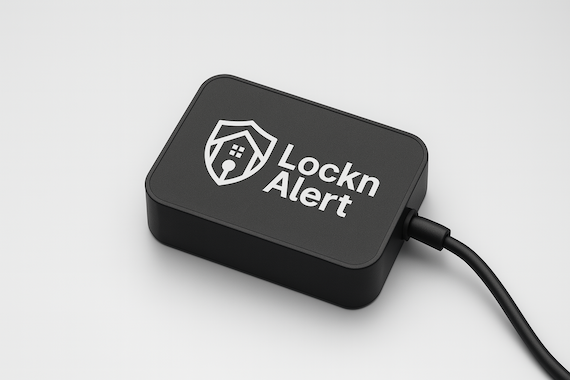
The LocknAlert Bridge connects directly to your Paradox alarm panel's built-in serial port and integrates with Home Assistant using local MQTT. Everything runs inside your home — lightning-fast, completely private, zero cloud dependency.
Built and assembled to order · Ships within South Africa · Payment via major cards
Everything your alarm should do — privately, locally, and without a monthly bill.
Give an Airbnb guest, your cleaner, or the gardener their own way in — without ever sharing your alarm code.
Everything you need to get your Paradox alarm talking to your phone.
Built to order: Each Bridge is assembled and configured after your order is placed. Standard lead time is approximately 1 week from payment. We'll keep you updated by email.
No electrician. No IT degree. Plug in, configure once, done.
Connect the included cable to your Paradox panel's serial port and plug the Bridge into power and your router.
Visit the built-in portal from any browser on your network. Enter your panel details — takes about 5 minutes.
Add the LocknAlert integration in Home Assistant and your alarm is live — zones, arm status, notifications, all of it.
Works with Magellan (MG), Spectra (SP), and EVO Paradox panels running firmware below version 7.50.000. Connects via the panel's built-in TTL 5 V serial port — no IP modules needed.
LocknAlert is not affiliated with or endorsed by Paradox.
One purchase. No monthly fees. Running in your home from day one.